
Adobe InDesign is a page layout and publishing program for computer-based design work. It's built for long documents, strong typography, and polished print or digital output, so people use it for books, magazines, brochures, PDFs, reports, resumes, eBooks, and marketing materials.

In short, its main purpose is to organize text, images, and pages in a clean, professional layout. If you want a quick free learning option, you can start with this Free Adobe InDesign Courses Playlist, which offers beginner-friendly video lessons.
This guide will also compare InDesign with Illustrator, Photoshop, and Canva. In addition, it will cover whether InDesign is easy to use, where it falls short, how much it costs, and whether it's a good fit for beginners in 2026.
The main purpose of Adobe InDesign, and the kinds of projects it handles best
The main purpose of Adobe InDesign is simple: it gives you tight control over multi-page layout. If you're asking what is Adobe InDesign used for in computer-based design, this is the core answer. It brings text, images, styles, grids, and pages into one organized system, so a document stays consistent from the first page to the last.
That is why InDesign remains a top choice for work that must look polished and export cleanly. In Adobe InDesign used for 2026 workflows, the pattern is still the same. Teams rely on it when a project has many pages, strict spacing rules, and a final file that must print well or read smoothly on screen.
Print projects where InDesign is the standard choice
For print, InDesign is often the default tool because it was built for page layout first. A poster, flyer, or brochure may look simple on the surface, yet print production demands exact sizing, clean alignment, and repeatable styles. That is where InDesign feels less like a blank canvas and more like a drafting table.
It handles a wide range of print work well, including:
- Magazines and newspapers, where columns, page numbers, headers, and flowing text matter.
- Books, where long chapters, master pages, and consistent typography save hours.
- Catalogs and annual reports, where many images and structured data must stay orderly.
- Flyers, brochures, posters, and business documents, where page setup and press output must stay accurate.
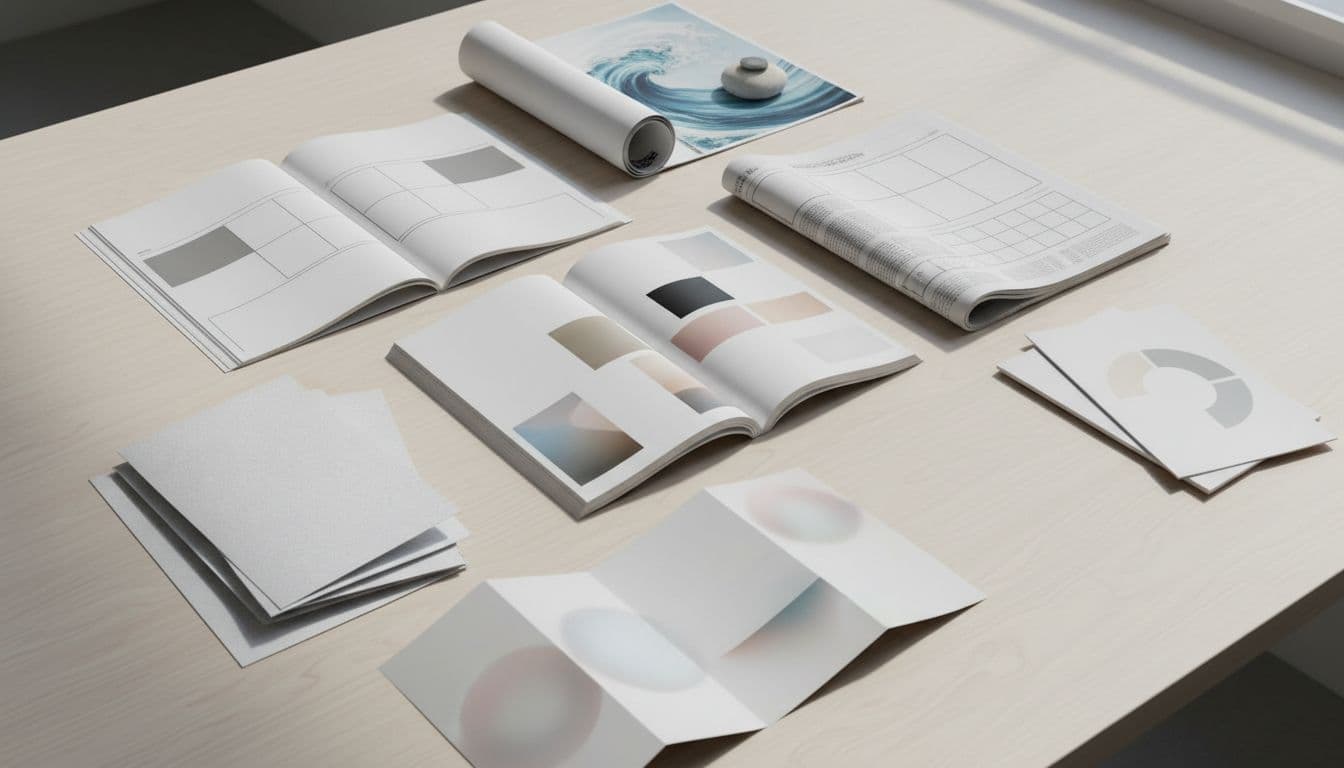
Printers and design teams prefer InDesign for a practical reason: it reduces surprises. You can set bleed, margins, columns, and trim size with precision before the job ever reaches a press. That level of control matters because a file that looks fine on screen can still fail in print if the setup is sloppy.
InDesign also makes press-ready PDF export straightforward. You can package fonts and links, preserve color settings, and export with crop marks and bleed when needed. As a result, the handoff from designer to printer is cleaner, and the risk of costly rework drops.
This is also where the common comparisons begin. People often ask, what is Adobe InDesign vs Illustrator. The short answer is that Illustrator is stronger for single-page vector artwork, while InDesign is stronger for page systems and long documents. A brochure with heavy illustration may start in Illustrator, but the final multi-page layout often belongs in InDesign.
The same logic applies to other Adobe apps. If you're wondering, Is InDesign better than Photoshop? Which is better, the answer depends on the task. Photoshop wins for image editing. InDesign wins when the project is a document, not just an image. In print publishing, that difference is hard to ignore.
InDesign does not replace image editing or illustration tools. It brings them together into a print-ready layout.
For anyone learning the software, the print side is often the best place to start because the purpose is easy to see on the page. If you want guided practice, many beginners look for a free Adobe InDesign course at the GalaxyonKnowledge YouTube Channel to build real layout skills they can use professionally.
Digital documents and interactive files you can build in InDesign
Although many people think of InDesign as a print-only tool, that view is too narrow. It also creates strong digital documents, especially when the content is structured, long-form, and meant to keep a clear visual system. That includes interactive PDFs, digital magazines, presentation-style documents, and fixed-layout eBooks.
In digital work, InDesign lets you design for the screen instead of the press. You can set page sizes for tablets or standard screens, build clickable links, and add buttons for navigation. So if a document needs to feel polished but still work like a file people can open, tap, and move through, InDesign fits well.

Its strength is not flashy animation. Its strength is structure. Long reports, media kits, training guides, and visual handbooks often need a clear hierarchy, repeatable styles, and dependable navigation. InDesign supports that well because headings, page elements, and text flows can stay consistent across the whole file.
This matters when people compare design platforms. Is InDesign better than Canva? Which is better depends on the project. Canva is easier for quick graphics and simple social posts. InDesign is stronger when you need exact layout control, long documents, and output options beyond basic design templates.
That leads to a broader point about ease of use. Is Adobe InDesign easy to use, and Is InDesign good for beginners? For simple flyers, beginners can learn the basics fairly fast. For books, reports, and interactive files, the learning curve is steeper because the software has many layout tools. Still, the structure helps once you understand styles, pages, and frames.
There are limits, of course. Some readers also ask about the disadvantages of Adobe InDesign or what are the disadvantages of InDesign. The main ones are clear: it can feel dense at first, it is not ideal for deep photo editing, and it is less suited to freeform drawing than Illustrator. In other words, it excels when order matters most.
If the project is a long document with repeatable design rules, InDesign usually makes the job easier, not harder.
For digital publishing in 2026, that remains its best role. It is not the app for every design task. But when your work needs clean layout, stable formatting, and export options for both print and screen, InDesign still earns its place.
What Adobe InDesign is used for in computer design work day to day
In daily design work, InDesign acts like a control center for page-based content. It helps people build documents that stay consistent, readable, and easy to update, especially when a project grows from a few pages to dozens or even hundreds.
That practical role explains What Adobe InDesign is Used For in Computer Based Design workflows. It is less about drawing from scratch and more about managing structure, type, images, and output with precision. In what is Adobe InDesign used for 2026 discussions, this is still the clearest answer: teams use it to keep complex layouts under control.
How teams use InDesign for long documents and repeatable layouts
When a team creates a book, catalog, report, handbook, or magazine, speed alone is not enough. The file also has to stay consistent from page 1 to page 120. InDesign solves that with templates, styles, and page systems that remove repeated manual work.
A good template gives the whole project a stable frame. Margins, columns, text areas, color settings, and basic page rules are set once, then reused. As a result, the team does not rebuild the same layout every time a new chapter, ad page, or report section begins.
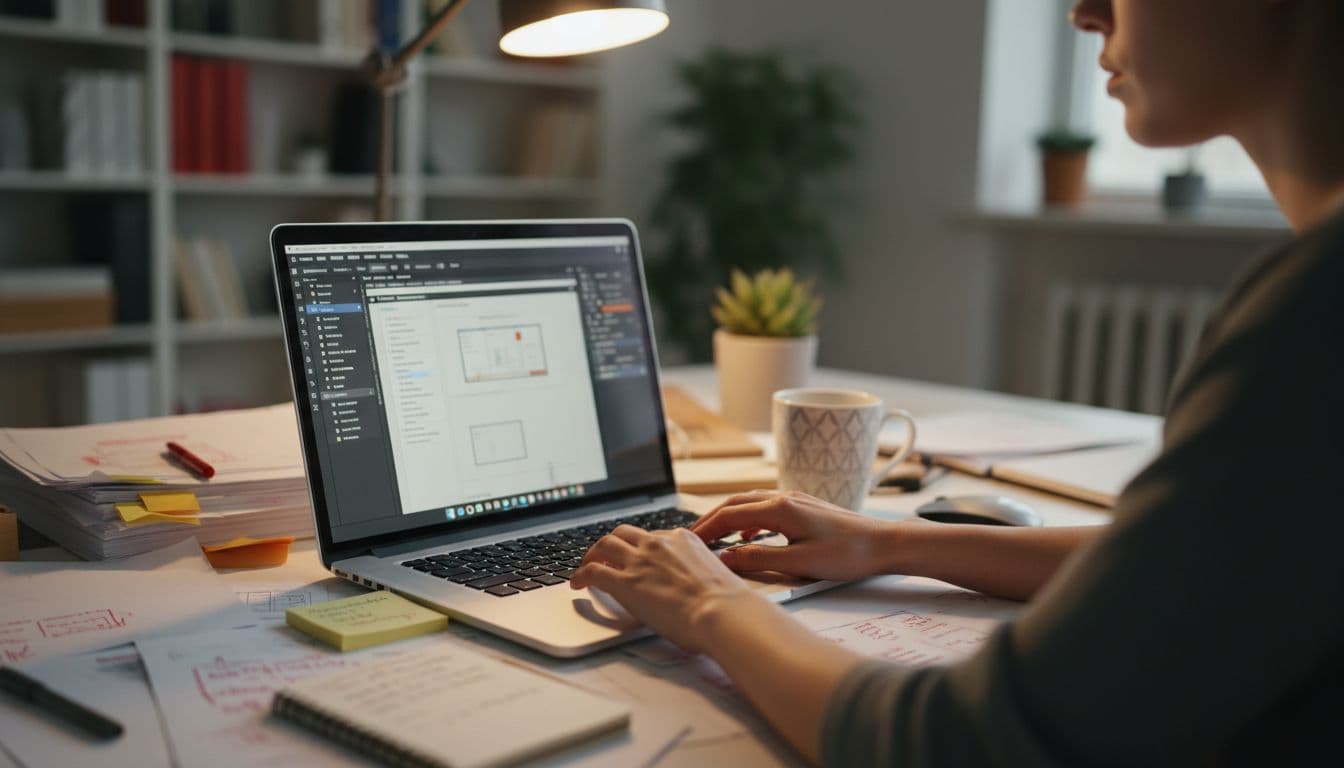
The real time-savers are the formatting tools. For example:
- Paragraph styles apply rules for body text, headings, captions, and lists.
- Character styles change smaller text details, such as bold labels or highlighted terms.
- Parent pages place repeating items like headers, footers, logos, and page numbers.
- Tables of contents pull heading data into an organized list automatically.
- Linked assets keep images connected to source files, so edits update cleanly.
Together, these tools reduce the small mistakes that pile up in long files. A heading does not suddenly switch fonts on page 47. Page numbers do not drift out of place. Image updates do not require re-placing every file by hand. In other words, InDesign helps teams avoid chaos.
This is also where people start to see what is Adobe InDesign vs Illustrator in real work. Illustrator is excellent for creating artwork, logos, and single-page graphics. InDesign, by contrast, manages long layouts like a well-run filing system. If Illustrator is a drawing table, InDesign is the publishing desk.
Editors and marketers also benefit from this setup. Editors revise copy, check flow, and flag spacing issues. Meanwhile, marketing teams often update offers, dates, product details, or campaign text. Because the layout rules are already built, those updates are faster and safer. That is one reason Is Adobe InDesign easy to use depends on the task. Basic pages are manageable for beginners, but large document control is where the software truly earns its place.
The limits are clear too. Among the disadvantages of Adobe InDesign, new users may find styles and parent pages hard at first. Still, once those tools click, the software stops feeling heavy and starts feeling reliable. That is why teams that handle long documents rarely want to go back to manual formatting.
Who uses InDesign, from students to publishers and small businesses
InDesign is not only for large publishing houses. It serves a wide range of users because many kinds of work depend on clear page layout. Some need a polished resume. Others need a 200-page annual report. The software supports both, although the learning depth differs.
Graphic designers use it for brochures, magazines, media kits, menus, and multi-page marketing pieces. Self-publishers rely on it for print books, eBooks, and interior book layouts. Teachers and school staff often use it for worksheets, course packs, yearbooks, and event programs. In each case, the need is similar: text and visuals must stay organized.
Small teams and independent users often find it just as useful:
- Marketing teams build brand guides, case studies, white papers, and sales PDFs.
- Agencies produce client reports, pitch decks, catalogs, and campaign materials.
- Nonprofits create donor reports, newsletters, event booklets, and outreach pieces.
- Business owners make price lists, proposals, product sheets, and brochures.
- Students use it for portfolios, resumes, zines, and school publishing projects.
This range of users also explains common comparison searches. People ask, Is InDesign better than Photoshop? Which is better when deciding how to build a brochure or report. Photoshop is stronger for editing images. InDesign is stronger for assembling complete documents. Others ask, Is InDesign better than Canva? Which is better. Canva is simpler for quick graphics, while InDesign gives you tighter control when layout rules matter.
For beginners, the better question is often practical, not theoretical. Is InDesign good for beginners? Which is better depends on what you need to make. If your goal is a polished multi-page document, InDesign is worth learning early. If you only need a social post, it may feel like too much. That gap also feeds other concerns, such as What are the disadvantages of InDesign?, Is InDesign difficult?, and Can I teach myself InDesign? The honest answer is yes, you can teach yourself, but you need practice with text frames, styles, and page structure.
Some readers compare it with other design software too, such as Illustrator or InDesign?, CorelDraw or InDesign?, and even Can AI replace InDesign? Which is better. In daily work, AI can help with content ideas and automation, but it does not replace careful page composition. A long report still needs hierarchy, rhythm, spacing, and output control. That remains human design work.
Practical concerns also come up fast. Can my PC run InDesign? usually depends on your system specs and workload size. Can I use InDesign for free? only in limited trial form, so cost matters. People also ask, How expensive is InDesign? and What is the most difficult Adobe software? InDesign is not the hardest Adobe app for everyone, but it can feel demanding when you move beyond simple pages. Even so, for anyone working with publishing, branding, or structured documents, that learning effort often pays back quickly.
If you want a simple place to start, get free Adobe InDesign Course at GalaxyonKnowledge YouTube Channel. Learn and Earn professionally.